November 9, 2026
 — ✦ —
A successful backup notification is reassuring, but it doesn't confirm your business can recover after a disruption. The important question is whether the right information can be restored and used when employees need it. Checking coverage and testing recovery helps turn assumptions into a practical plan.
Confirm What Your Backups Include
Review which servers, computers, cloud accounts, and applications are protected. As employees adopt new tools or change where they save files, backup coverage may need updating. Ask your IT provider what is included and where gaps remain.
Test the Restore Process
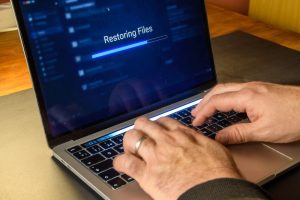
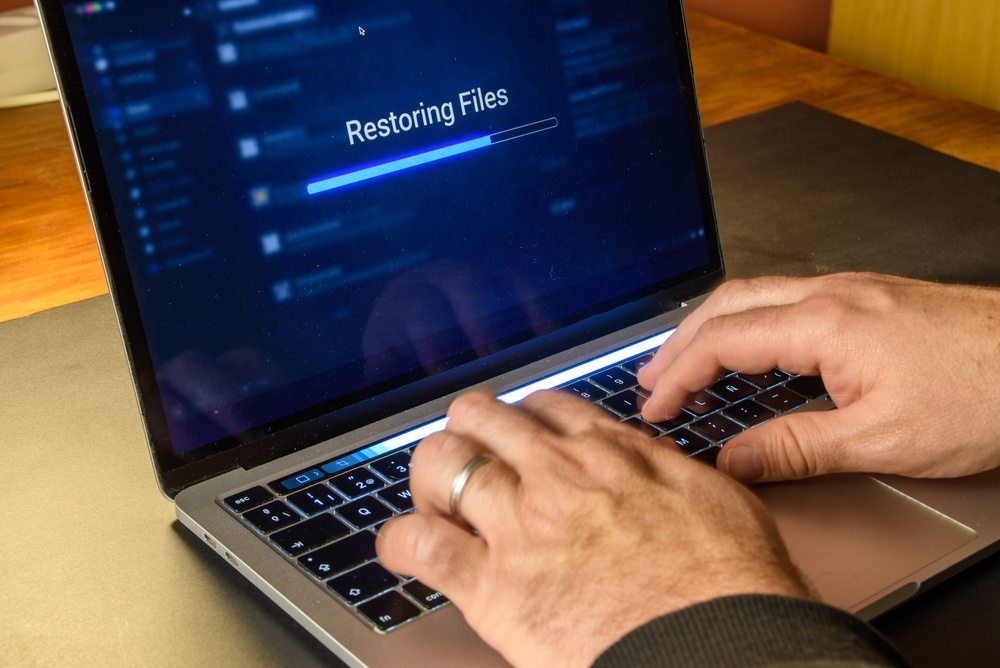
Representative restore testing helps check whether protected files or systems can be recovered through the selected process. Simplicity IT’s Backup & Business Continuity services can include restore testing according to your service agreement.
Plan Around Business Priorities
Identify which systems employees need first, how much recent work your business could tolerate losing, and who coordinates recovery. Consider replacement equipment, vendor support, and temporary workarounds. Recovery targets should reflect your operations and available resources.
Know Your Next Step Before an Outage
Review backup failures, retention settings, and recovery procedures regularly. Contact Simplicity IT to discuss your backup coverage and business-continuity needs, or schedule your Discovery Call here.