November 18, 2026
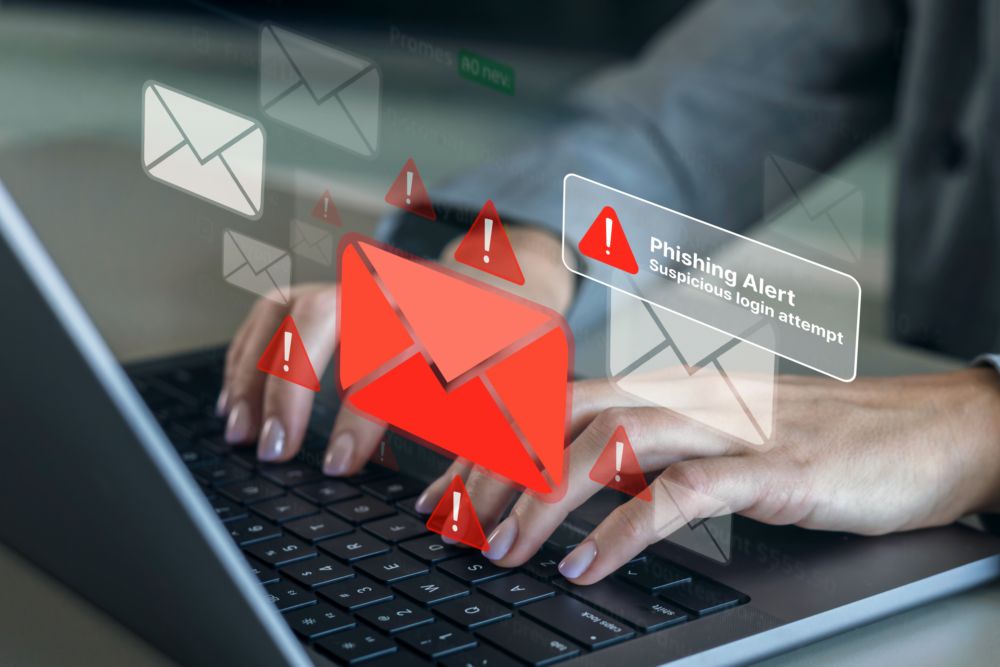 — ✦ —
An unexpected invoice, password reset notice, or shared document can look like a routine part of your workday. However, these messages may be phishing attempts designed to steal login credentials, deliver malicious software, or redirect business payments. Knowing what to question and how to verify a request can help employees avoid costly mistakes.
Check Who Actually Sent the Email
Before responding to an unfamiliar request, review the sender’s complete email address. A display name may say “Microsoft Support” or show your supervisor’s name while the address belongs to someone else. Look for small spelling changes, substituted letters, or domains that do not match the company being represented. Scammers use these subtle differences to make fraudulent messages appear legitimate.
Pay Attention to Pressure and Unusual Instructions
Phishing emails frequently rely on urgency to discourage careful thinking. A message may threaten to close an account, demand immediate payment, or ask an employee to handle a confidential task without following normal procedures. Requests that deserve additional scrutiny include:
- Unexpected instructions to reset a password
- Attachments unrelated to your current work
- Requests for financial details or confidential records
- Changes to a vendor’s banking information
- Messages asking you to skip an approval step
- Instructions to act immediately or keep the request secret
Pause when an email asks you to do something unusual, especially when money or sensitive information is involved.
Confirm the Request Through a Trusted Channel
If a message raises questions, verify it before clicking, downloading, or replying. Open your account through a saved bookmark or the company’s official website instead of using the email’s login link. For payment requests or changes to account details, call the person using a number already in your records. Contact information included in a suspicious message may connect you directly to the scammer.
Back Up Awareness With Security Protection
Careful employees are one part of an effective defense. Email filters can reduce the number of harmful messages reaching inboxes, while updated security software helps protect business devices. Unique passwords and multifactor authentication can also make it harder for attackers to access accounts using stolen credentials.
Simplicity IT offers cybersecurity services that address email, device, identity, network, and cloud security. Our managed IT support includes ongoing monitoring, maintenance, and employee assistance to help businesses address technology concerns.
Make Reporting a Normal Part of the Process
Employees should know exactly where to send a suspicious message and whom to contact if they make a mistake. Encourage staff to report questionable emails promptly, including situations where they have already opened a file or submitted a password. Early notification gives your IT team an opportunity to investigate and take appropriate action. CISA advises employees to notify IT and follow established incident reporting procedures.
Build Stronger Email Security With Simplicity IT
Reducing phishing risk takes consistent attention to employee habits, account protection, and security settings. Simplicity IT helps San Diego businesses review technology risks and develop practical plans for improving their cybersecurity. Contact Simplicity IT to discuss your business’s email security and IT support needs. Schedule your Discovery Call here.