September 18, 2026
 — ✦ —
— ✦ —
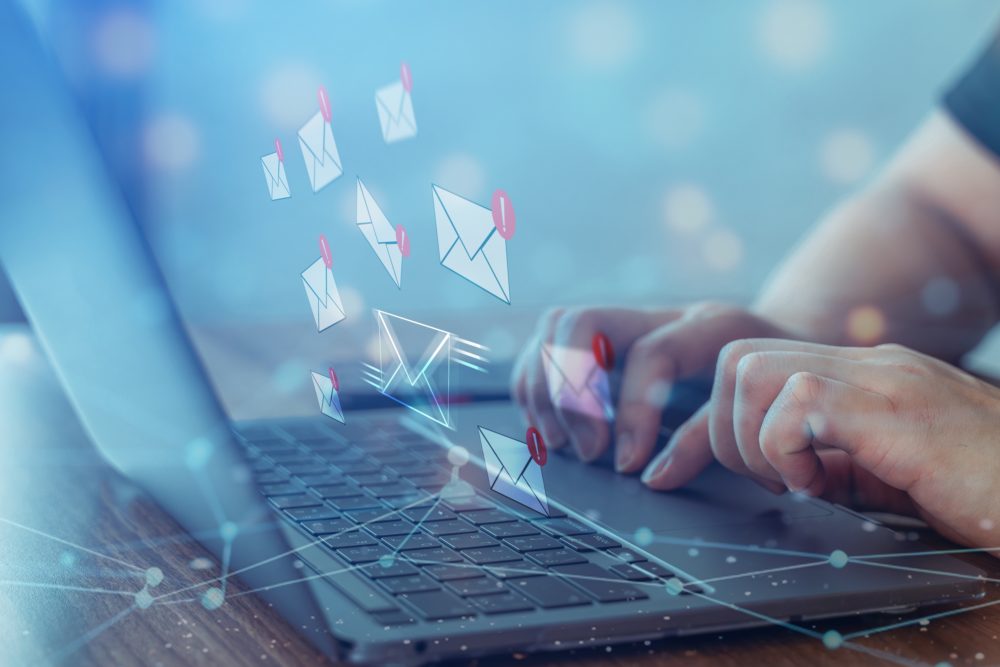
No company can guarantee that an employee will never click a phishing email. However, regular training, strong security tools, and straightforward internal procedures can greatly reduce the risk. Phishing emails often impersonate executives, vendors, banks, coworkers, or trusted online platforms. These messages typically pressure recipients to click a link, download an attachment, disclose credentials, or authorize a payment before verifying the request.
Make Phishing Awareness Part of Employee Training
Teach employees about phishing during onboarding and reinforce the lessons with short training sessions throughout the year. Use realistic examples that reflect the messages employees receive during their workday. Accounting teams may encounter fraudulent invoices, while other employees may receive fake password-reset or document-sharing notices. Controlled phishing simulations can also reveal which departments need additional guidance. The Cybersecurity and Infrastructure Security Agency recommends training employees to identify and report suspicious messages.
Point Out the Most Common Warning Signs
Ask employees to pause before responding to any unexpected email involving credentials, sensitive files, payments, or urgent instructions. Warning signs may include:
- A sender address containing subtle spelling changes
- An unexpected attachment or file-sharing invitation
- Pressure to act immediately or secretly
- A request to ignore an established company procedure
- An unfamiliar link leading to a login page
- An unusual request from a manager or vendor
- New banking information sent only through email
- Branding, wording, or web addresses that appear inconsistent
Support Employees With Security Technology
Employee training should be supported by technical protection. Email filtering, endpoint security, multifactor authentication, password controls, and domain protections such as SPF, DKIM, and DMARC can reduce exposure to malicious messages. Businesses should also limit user permissions so a compromised account cannot access every file or system.
Simplicity IT’s cybersecurity services help businesses strengthen email protection, secure cloud accounts, monitor systems, and address security weaknesses.
Make Suspicious Emails Easy to Report
Create a simple procedure employees can follow when they receive a questionable message. A reporting button or designated IT contact can help employees raise concerns quickly. Staff should also feel comfortable reporting mistakes immediately. If an employee clicks a link, downloads a file, or submits credentials, the IT team may need to disconnect the device, reset passwords, end active sessions, inspect mailbox rules, and review recent account activity. Prompt reporting can help contain the incident before it spreads.
Strengthen Your Company’s Phishing Defenses
Effective phishing protection combines informed employees, properly configured security tools, and a rehearsed response process. Simplicity IT helps San Diego businesses improve email security, implement multifactor authentication, train employees, manage access, monitor systems, and prepare for security incidents. Contact Simplicity IT to evaluate your email environment and current phishing protections. Schedule your Discovery Call here.