July 17, 2026
 — ✦ —
— ✦ —
Most businesses do not replace office computers until something goes wrong. Unfortunately, waiting until a computer completely fails often leads to lost productivity, unexpected downtime, and expensive emergency repairs.
The good news is that failing computers usually show warning signs long before they stop working. Recognizing these symptoms early gives your business time to plan for replacements rather than react to a crisis.
At Simplicity IT, we help businesses throughout San Diego County identify aging technology before it impacts daily operations. Here are seven common signs that your office computers may be nearing the end of their lifespan.
1. They Take Forever to Start Up
If employees spend several minutes waiting for their computers to boot each morning, the hardware may be struggling to keep up. While software issues can sometimes contribute, consistently slow startup times often indicate aging hard drives, outdated processors, or insufficient memory.
When startup delays become part of the daily routine, productivity suffers before work even begins.
2. Programs Frequently Freeze or Crash
Applications that regularly stop responding, close unexpectedly, or generate error messages are often signs that a computer is reaching its limits. Older hardware struggles to handle modern business software, especially when multiple programs are running at once.
Occasional crashes are to be expected, but frequent instability should never be considered normal.
3. Employees Constantly Complain About Slow Performance
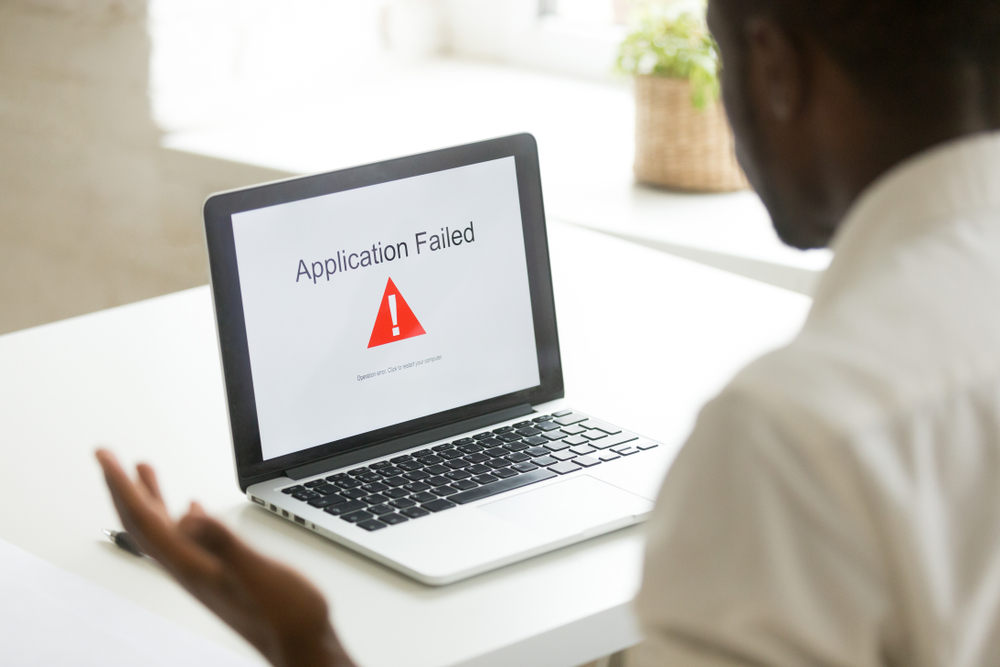
When simple tasks like opening files, switching between applications, or loading websites become frustratingly slow, the problem may no longer be software. Aging computers simply cannot keep pace with today’s operating systems and business applications.
If multiple employees are reporting similar issues, it may be time to evaluate your hardware rather than troubleshoot individual machines.
4. The Computer Makes Unusual Noises
Grinding, clicking, buzzing, or loud fan noises can indicate failing hardware components. Hard drives, cooling fans, and power supplies often become noisier as they wear out.
Ignoring unusual sounds can result in complete hardware failure without much warning.
5. Security Updates Are Becoming Limited
Older computers may no longer support the latest operating systems or security updates. Once a device stops receiving important patches, it becomes more vulnerable to malware, ransomware, and other cyber threats.
Running unsupported hardware creates unnecessary security risks for your entire business.
6. Repairs Are Becoming More Frequent
If the same computer needs repeated repairs, replacement parts, or ongoing troubleshooting, it may be costing more than it’s worth. Frequent service calls not only increase IT expenses but also disrupt your employees.
Replacing aging equipment is often more cost-effective than continually repairing outdated systems.
7. Your Business Has Simply Outgrown the Hardware
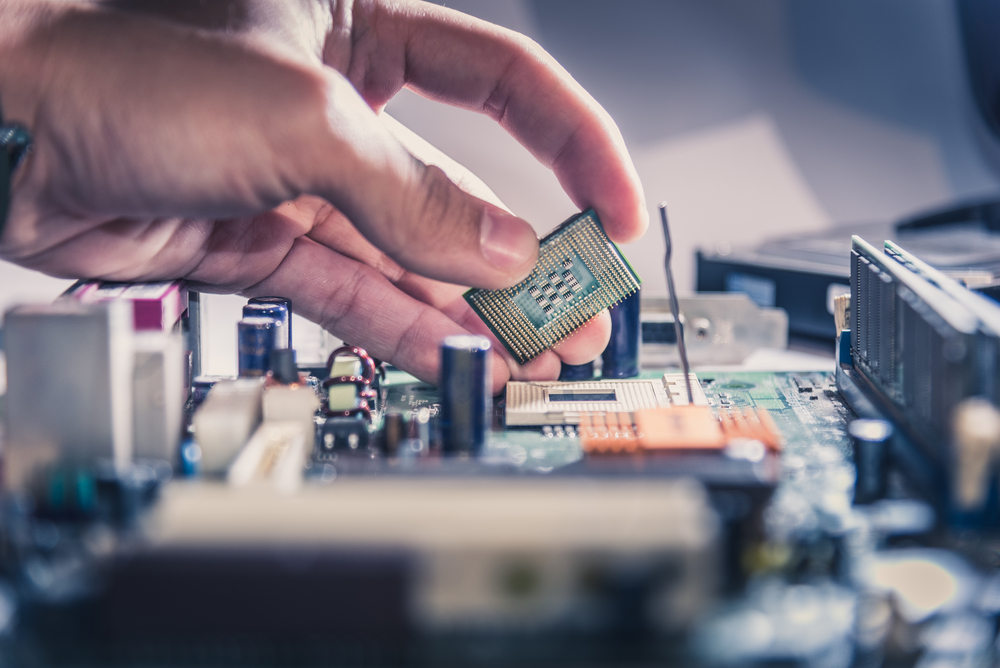
Even if a computer still turns on every day, it may no longer meet your business's needs. Larger files, cloud applications, video meetings, modern accounting software, and growing cybersecurity requirements all place greater demands on office computers than they did just a few years ago.
Technology that once performed well may now be limiting your team’s efficiency.
Why Replacing Computers Before They Fail Makes Sense
Planning hardware upgrades before equipment fails helps businesses avoid emergency downtime, lost work, and unexpected expenses. Scheduled replacements allow you to budget appropriately, migrate data safely, and minimize disruption to your operations.
Instead of reacting to failures, businesses can keep employees productive with reliable, secure, and modern technology.
Get Ahead of Computer Problems
Simplicity IT helps businesses throughout San Diego County evaluate aging computer systems, recommend practical replacement schedules, migrate data safely, and keep your office running with reliable managed IT support.
If your office computers are showing any of these warning signs, now is the perfect time for a technology assessment before small issues become major disruptions.
Contact Simplicity IT today and identify aging office computers before unexpected failures disrupt your business. Our team will help you create a practical replacement plan that minimizes downtime, improves performance, and keeps your employees productive. Schedule your Discovery Call here.