September 14, 2026
 — ✦ —
— ✦ —
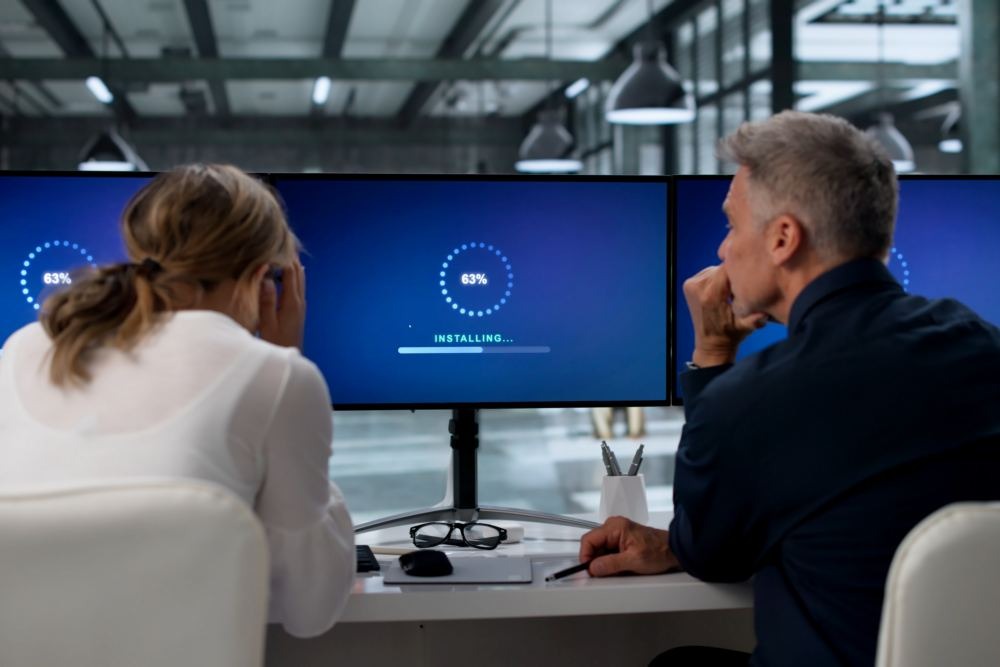
The hidden cost of slow computers extends far beyond a few frustrating minutes each day. Delayed startups, frozen applications, slow file access, and unreliable software can reduce productivity across an entire company. These problems can also delay customer service, interrupt payments, increase labor costs, and create security risks. Without regular maintenance and a clear technology strategy, minor computer issues can quietly become expensive operational problems.
Lost Time Adds Up Quickly
A slow computer may waste only a few minutes at a time. However, those delays add up when they affect multiple employees every day. For example, if 15 employees each lose 20 minutes per workday, the business loses approximately 25 productive hours every week. That time could otherwise support customers, complete projects, process invoices, or generate revenue.
Simplicity IT’s Managed IT services can help businesses monitor computer performance, maintain essential systems, and address technology problems before they disrupt daily operations.
Slow Technology Can Affect Customer Service
Employees need responsive computers and reliable applications to assist customers efficiently. When systems take too long to load, employees may struggle to access customer records, answer questions, prepare estimates, or complete transactions. As a result, customers may experience longer wait times and delayed responses.
These delays can also create a poor impression of the business. Customers may not know that an outdated computer caused the problem. Instead, they may assume the company is disorganized, understaffed, or unresponsive.
Outdated Computers Can Increase Labor Costs
Employee wages continue while workers wait for computers, files, or applications to respond. As a result, recurring technology delays can increase the labor cost of completing ordinary tasks. A process that should take ten minutes may require twice as long when an employee repeatedly restarts software or works around system problems.
Over time, these inefficiencies can make routine administrative work more expensive. They may also require employees to work additional hours to complete tasks that could have been finished during the regular workday.
Performance Problems May Signal Larger Issues
A slow computer does not always need to be replaced. In some cases, the cause may be insufficient memory, limited storage, unnecessary startup programs, failed updates, overheating, malware, or a damaged hard drive. Network congestion and poorly configured cloud applications can also make a capable computer appear slow.
A professional assessment can help identify whether the business needs maintenance, an upgrade, or a replacement. Addressing the correct cause prevents unnecessary purchases and reduces the risk of a sudden equipment failure.
Older Devices May Create Security Risks
Computers that no longer support current operating systems or security updates can expose a business to preventable risks. Unsupported devices may not receive patches for newly discovered vulnerabilities. In addition, employees may delay restarting slow computers, which can prevent important updates from installing correctly.
Slow performance can also signal malicious software, unauthorized background activity, or a failing storage device. Although performance issues do not automatically indicate a cybersecurity incident, businesses should investigate unexplained changes rather than ignore them.
Downtime Can Interrupt Revenue
Technology problems can directly affect a company’s ability to generate and collect revenue. Employees may be unable to send proposals, access accounting software, process payments, update customer records, or communicate with vendors. Even a short interruption can create a backlog that continues after the computer starts working again.
Businesses that depend on scheduling, point-of-sale systems, design software, cloud platforms, or specialized applications may face even greater disruption. For these companies, reliable technology is essential to delivering their services.
Employee Frustration Has a Business Cost
Repeated computer problems can make routine work unnecessarily stressful. Employees may develop temporary workarounds, save files in unapproved locations, or avoid important applications because they perform poorly. These habits can create inconsistent processes and make information more difficult to manage.
Reliable systems allow employees to focus on their responsibilities instead of troubleshooting technology. They also support smoother onboarding because new employees can follow established procedures without inheriting old technical problems.
Create a Practical Computer Replacement Plan
Businesses should avoid waiting until a computer fails before deciding what to do. Instead, maintain an inventory that includes each device’s age, operating system, warranty status, assigned employee, and business purpose. Review computer condition and performance regularly, then prioritize replacements based on business impact.
Not every computer requires the same specifications. An employee using email and basic office applications may need different equipment than someone working with large databases, design software, video files, or specialized industry platforms. A planned replacement schedule helps the business budget for upgrades while reducing unexpected downtime.
Use Proactive Maintenance to Improve Performance
Regular technology maintenance can extend the useful life of business computers and identify problems early. Maintenance may include installing updates, checking storage capacity, reviewing startup programs, monitoring hardware condition, removing unauthorized software, verifying endpoint protection, and confirming that important data is backed up.
However, maintenance cannot make every outdated device suitable for modern business applications. When repair and support costs exceed the computer's practical value, replacement may offer a better long-term result.
Improve Technology Across Your Business
Every business has different applications, workflows, performance needs, and budgets. Simplicity IT helps San Diego businesses evaluate slow computers, identify performance problems, plan equipment upgrades, manage updates, strengthen cybersecurity, and reduce preventable downtime. Recommendations can be based on the employee’s responsibilities, the applications they use, and the importance of the device to daily operations.
Stop Slow Computers From Slowing Down Your Business
Slow computers can quietly eat up employee time, delay customers, increase operating costs, and disrupt important business processes. Simplicity IT provides managed IT, computer support, cybersecurity, technology planning, backup solutions, and vendor coordination for small businesses throughout San Diego County. Contact Simplicity IT to review your computer performance, aging equipment, security concerns, and technology needs. Schedule your Discovery Call here.